Article notes
Notes, guides, and personal discoveries from things I build, enjoy, and learn.
September 2026 update: Dep Beacon is also available in the Zed extension registry. See the Zed setup guide and why I moved to Zed. This post describes the original VS Code release.
Dependency maintenance has a strange shape.
Most of the work is tiny. Check whether a version is current. Decide whether the next move should be patch, minor, major, or latest. Confirm whether a range is managed by a workspace catalog. Notice when an advisory turns a routine upgrade into actual risk.
But those tiny checks happen across a lot of files, a lot of projects, and a lot of interrupted attention.
That is why I built Dep Beacon: a VS Code extension that puts dependency version, update, pnpm workspace, and OSV security signals directly inside npm manifests.
It is now available from the Visual Studio Marketplace, Open VSX, and the docs live at beacon.santi020k.com.
The dependency line is where the decision happens
When I open package.json, I do not want to leave the editor just to answer basic questions.
Is this version current? Is the package missing from npm? Is this a catalog range? Is the next safe move a patch, a minor, a major, or the latest stable release? Did OSV report something serious for the resolved version?
That information usually exists somewhere, but it is scattered across package manager output, registry pages, audit reports, pull request bots, and memory.
Dep Beacon keeps the signal beside the line that needs it.
Open package.json, pnpm-workspace.yaml, or pnpm-workspace.yml, and the extension adds inline status, diagnostics, and CodeLens actions for supported dependency entries. The goal is not to replace a full dependency platform. The goal is to make ordinary manifest review faster and less fuzzy.
What the extension shows
Dep Beacon focuses on a small set of signals that are useful while editing.
It shows whether a declared range already accepts the latest stable version, whether a newer target exists, whether the package or version is invalid, and whether OSV reports vulnerability risk for the resolved version.
The update actions are intentionally concrete:
patchmoves to the newest patch in the current minor.minormoves to the nearest newer minor in the current major.majormoves to the nearest newer major.latestmoves to npm’s latest dist-tag or newest stable version.
When Dep Beacon applies an update, it preserves common range prefixes like ^ and ~. That detail matters because dependency files are not just lists of versions. They also encode how a team thinks about update tolerance.
pnpm catalogs needed first-class support
The feature I cared about early was pnpm workspace catalog awareness.
In many monorepos, a dependency range in package.json is not the real source of truth. The package can point to catalog: or catalog:react19, and the version policy lives in pnpm-workspace.yaml.
A tool that treats that line like a normal npm range will give the wrong kind of feedback. The extension needs to resolve the catalog first, then report status against the actual version policy.
Dep Beacon builds a catalog snapshot for the workspace and uses it while analyzing manifests. It also understands overrides and package extensions, because those files are where teams often centralize dependency decisions.
That keeps the extension useful for personal projects and for the larger workspaces where dependency drift gets harder to scan manually.
Security warnings should be visible, not theatrical
I also wanted OSV signals in the editor, but with the right tone.
Not every advisory means the same thing. A low or moderate warning should not feel identical to a high or critical risk. A vulnerability signal should also not pretend to replace a proper audit workflow.
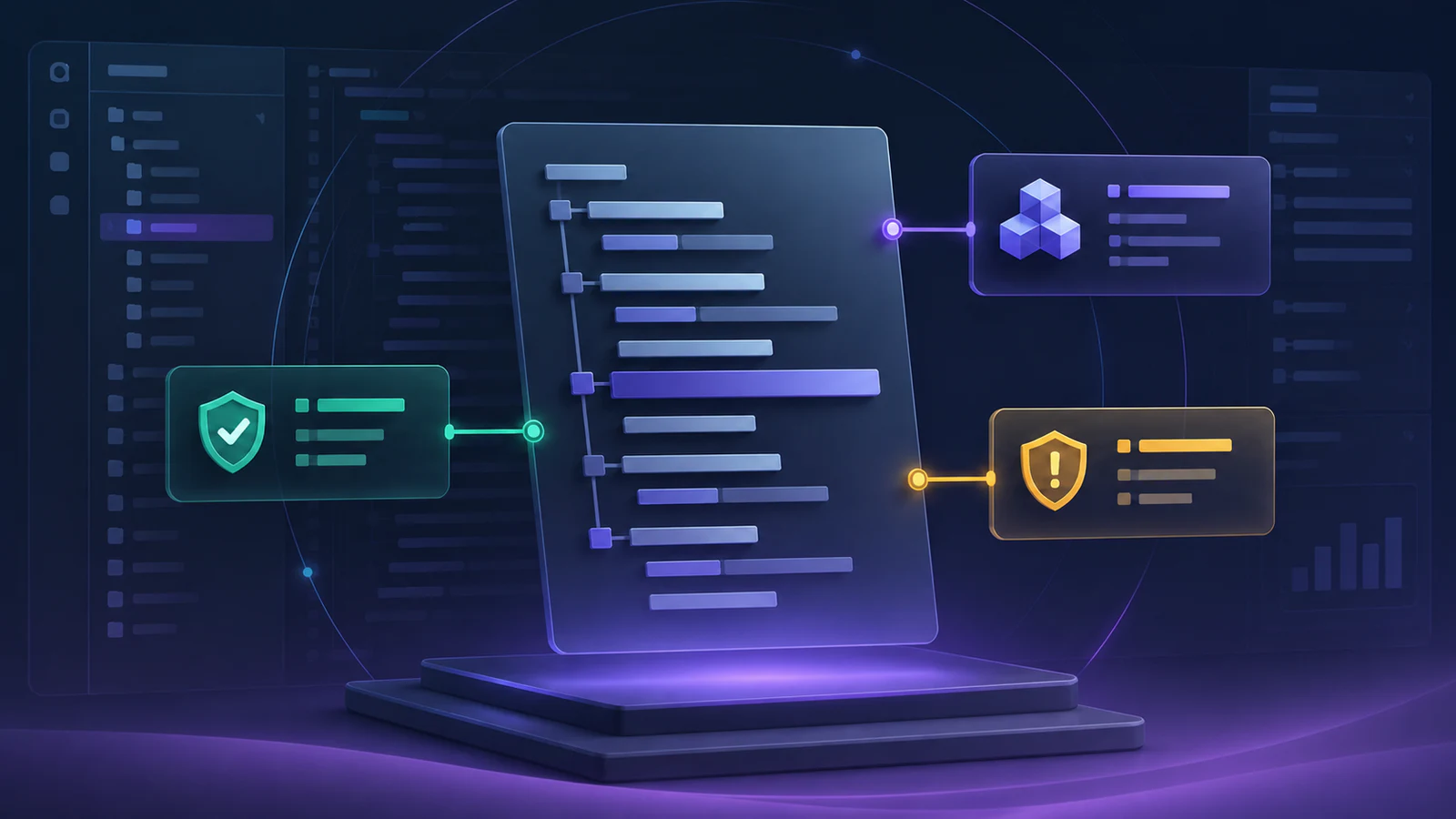
Dep Beacon maps OSV results into editor status colors and diagnostics so risk is visible while reviewing the manifest. Green means the declared range already accepts the latest stable version. Yellow means an update exists. Orange points to low or moderate vulnerability risk. Red is reserved for invalid, missing, high-risk, or critical situations.
There is a privacy tradeoff here, so the extension makes it explicit: when vulnerability checks are enabled, package names and resolved versions are sent to OSV.dev. Teams can disable that with depBeacon.checkVulnerabilities when they are offline or do not want those checks.
It is a tool for small repeated judgment
I keep coming back to the same idea in my tooling work: the best developer experience improvements usually remove repeated uncertainty.
That is also why I built Astro Doctor and keep investing in @santi020k/eslint-config-basic. These tools are different, but they share a shape. They make the expected path visible, then keep feedback close to the work.
Dep Beacon does that for dependency manifests.
It does not ask you to adopt a new dashboard before it helps. It activates when the relevant file opens, shows the status, offers a few concrete actions, and stays out of the way when the dependency is already healthy.
What ships with the first release
The repository is a small monorepo with three main packages:
@santi020k/dep-beacon-coreanalyzes manifests, registry metadata, semver ranges, pnpm catalogs, and OSV advisories.vscode-dep-beaconprovides the VS Code extension surface: CodeLens, diagnostics, inline status, commands, cache control, sorting, and install-on-save workflows.@santi020k/dep-beacon-docspowers the Astro documentation site.
The extension includes commands for refreshing dependency signals, clearing the registry cache, toggling prerelease versions, sorting the current manifest, running package installs, opening documentation, and showing debug output.
That last command is important. If a tool is going to touch developer workflow, it should explain what it is doing when something feels off.
Try it
Install Dep Beacon from the Visual Studio Marketplace or Open VSX, then open a supported npm manifest in VS Code.
The source code is in the Dep Beacon GitHub repository, and the documentation lives at beacon.santi020k.com.
I built it for the moment when you are already staring at a dependency range and want the next decision to be obvious.
Comments
Powered by GitHub Discussions — sign in with GitHub to join the conversation, orreply on GitHub.