Article notes
Notes, guides, and personal discoveries from things I build, enjoy, and learn.
My editor theme stopped at the edge of the editor.
That was fine when Santi020k Theme was only a VS Code extension. Once the browser adopted the same palette, the terminal became the obvious missing surface. It is where I spend a large part of the day, and it still looked disconnected from the rest of the workspace.
The first idea was simple: create matching dark and light iTerm2 color presets.
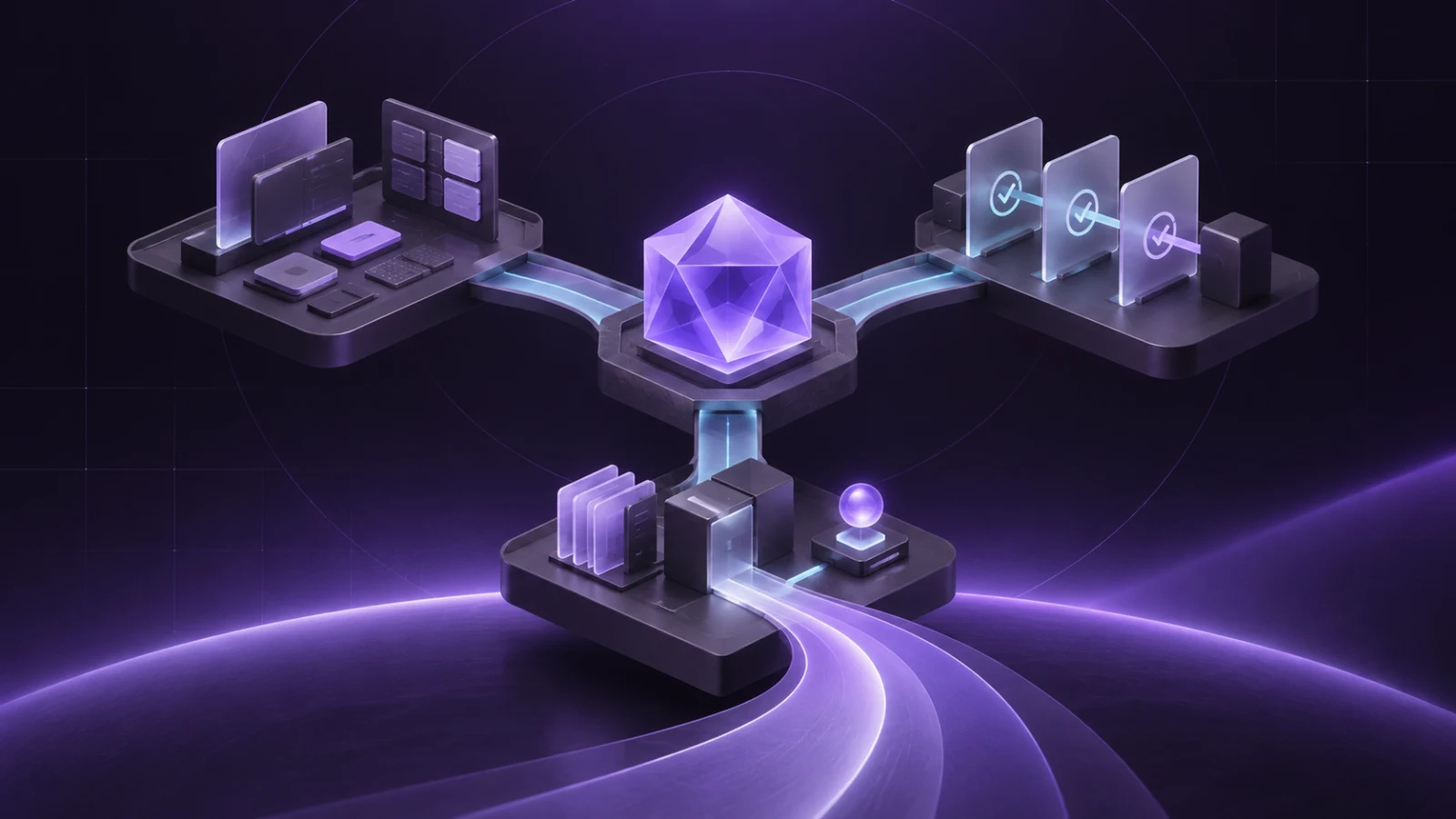
The finished project became Santi020k Terminal Theme: generated palettes for six terminal families, three Starship prompt styles, managed shell integration, a configuration CLI, validation, release archives, and Homebrew distribution.
A shared palette still needs surface-specific decisions
The terminal should feel related to the editor. It should not copy editor tokens blindly.
An editor theme has syntax scopes, selections, panels, notifications, Git states, and dozens of interface surfaces. A terminal palette has ANSI colors, foreground and background, cursor behavior, selections, and prompt segments that combine those colors in motion.
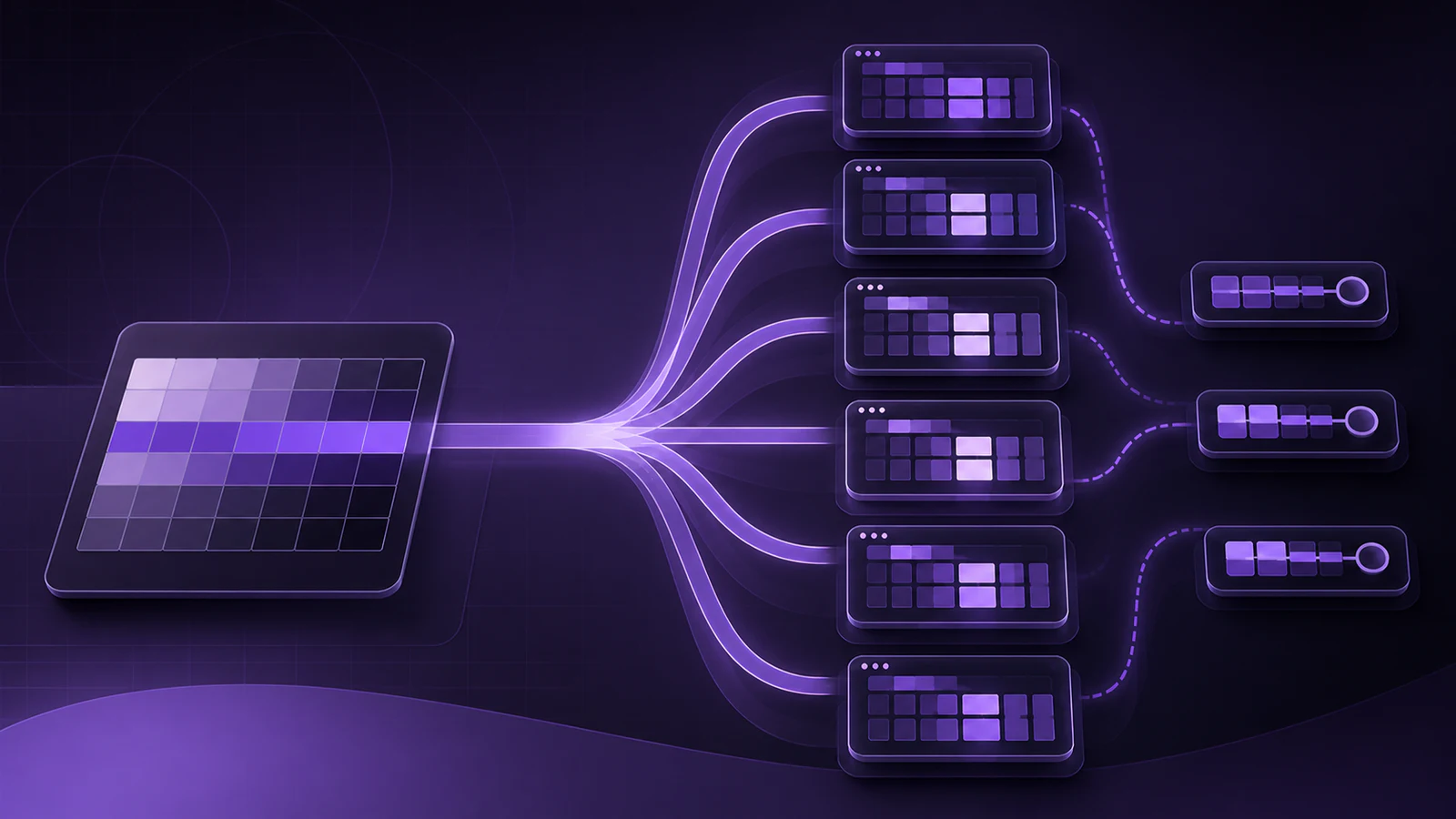
The shared theme packages provide the color language and source tokens. The terminal package maps those decisions into formats appropriate for:
- iTerm2
- Ghostty
- Kitty
- WezTerm
- Windows Terminal
- Alacritty
Those outputs are generated. The source stays small enough to review, and every terminal receives the same intentional update when the palette changes.
Dark and light are product modes, not separate downloads
Santi020k Terminal ships coordinated dark and light presets.
The optional shell helpers follow the macOS system appearance and select the corresponding Starship configuration before each prompt. An open shell can follow an appearance or preset change without rebuilding configuration by hand.
Users can also force a mode with SANTI020K_THEME=dark or light.
The automatic behavior is convenient. The override keeps it predictable.
That balance matters in theme tooling. A product should follow the system when that is useful and still respect the user when the system choice is not what they want for a specific terminal session.
One prompt style does not fit every machine
The default rich Starship presets use Nerd Font icons and relaxed segment padding. They look best in a fully configured personal environment.
That is not every environment.
A remote machine may not have the same font. A recorded demo may need simpler labels. A narrow terminal may benefit from fewer runtime modules and tighter spacing.
The package therefore generates three styles in both dark and light:
- Rich uses Nerd Font icons and the most expressive segment layout.
- Portable replaces application icons with plain labels while retaining Powerline-compatible structure.
- Minimal removes runtime modules and reduces spacing.
The CLI can switch presets without breaking automatic appearance selection:
santi020k-terminal preset list
santi020k-terminal preset use portable
The prompt also shows its SSH segment only when SSH_CONNECTION is present. Remote context becomes visible without adding noise to every local command.
Installation should not silently own the shell
Shell setup is personal and easy to damage.
The managed installation keeps its files under ~/.config/santi020k-terminal and preserves the rest of .zshrc. It can be run again safely and provides health checks, repair, and migration behavior instead of assuming the first write will remain correct forever.
The CLI exposes the important operations:
santi020k-terminal status
santi020k-terminal doctor --fix
santi020k-terminal configure
santi020k-terminal config export
santi020k-terminal config import
Configuration can be interactive or reproducible. configure accepts explicit shell, preset, terminal, and palette choices. Export and import make those decisions portable between machines.
The installation path supports Zsh, Bash, and Fish. Homebrew installs native completions for all three.
Color installation needs the same safety model
The CLI can list and install the packaged terminal colors:
santi020k-terminal colors list
santi020k-terminal colors install iterm2 dark
It backs up files it changes and supports --dry-run.
That may sound excessive for a theme, but generated configuration is still configuration. Users should be able to see what will happen, preserve the previous state, and repair drift.
The terminal theme follows the same principle I use in other developer tooling: automation earns trust through visibility and reversibility.
Custom prompts can remain inside the system
Generated presets cover the common choices. The CLI also supports custom runtime-module selections:
santi020k-terminal prompt build work nodejs,python,rust darkThis creates a named prompt without changing the generated presets.
That separation keeps the package update path clean. Generated files can be replaced by a new release while personal prompt choices remain personal.
Validation treats generated output as a contract
The terminal package does not consider generation successful just because files exist.
Validation parses every TOML file, checks generated assets and website downloads for drift, and renders smoke prompts when the Starship CLI is available.
The release workflow creates:
- a versioned archive
- SHA-256 metadata
- a Homebrew formula
Tags following the terminal package convention publish the archive and update the separate Homebrew tap when the release credentials are configured.
The Homebrew packaging article explains why that distribution metadata lives in its own small repository rather than inside a second copy of the product.
The theme is now a family
The terminal work arrived alongside a broader expansion of Santi020k Theme.
The VS Code extension now ships 12 variants: dark, light, high-contrast dark, and high-contrast light, each with base, bold, and italic syntax styles. They also work across compatible hosts such as Cursor, Windsurf, VSCodium, and GitHub Codespaces. The public theme package exports Shiki-ready dark, light, and high-contrast JSON for code highlighting outside the editor.
Chrome began as a separate repository and a separate portfolio project. That separation stopped making sense once its dark and light manifests, store artwork, product site, and releases all depended on the editor palette and shared tokens.
I moved the Chrome package into the Santi020k Theme monorepo and consolidated its story into the main Santi020k Theme case study. It remains an independently packaged Chrome Web Store product. The merge is about ownership and source of truth: editor changes can regenerate the browser mappings, shared validation can catch drift, and one Changesets graph can coordinate releases without turning every surface into the same artifact.
Shared packages now expose tokens, assets, typography, Tailwind values, Chrome mapping helpers, product metadata, site behavior, and Shiki themes. Four focused Astro sites document the family hub, VS Code, Chrome, and terminal products.
The result is not one theme file stretched across incompatible tools.
It is one design language translated deliberately for each surface, then supported by generation, validation, documentation, and release automation.
You can explore Santi020k Terminal, read the unified Santi020k Theme case study, or browse the Theme monorepo.
Comments
Powered by GitHub Discussions — sign in with GitHub to join the conversation, orreply on GitHub.