Article notes
Notes, guides, and personal discoveries from things I build, enjoy, and learn.
Most accessibility audits happen too late. A designer runs a contrast checker before launch. An engineer skims a screen reader once during QA. A stakeholder runs Lighthouse on the homepage and the score looks acceptable.
That is not a workflow. That is a ceremony that repeats the same findings and fixes the same surface while deeper problems stay invisible.
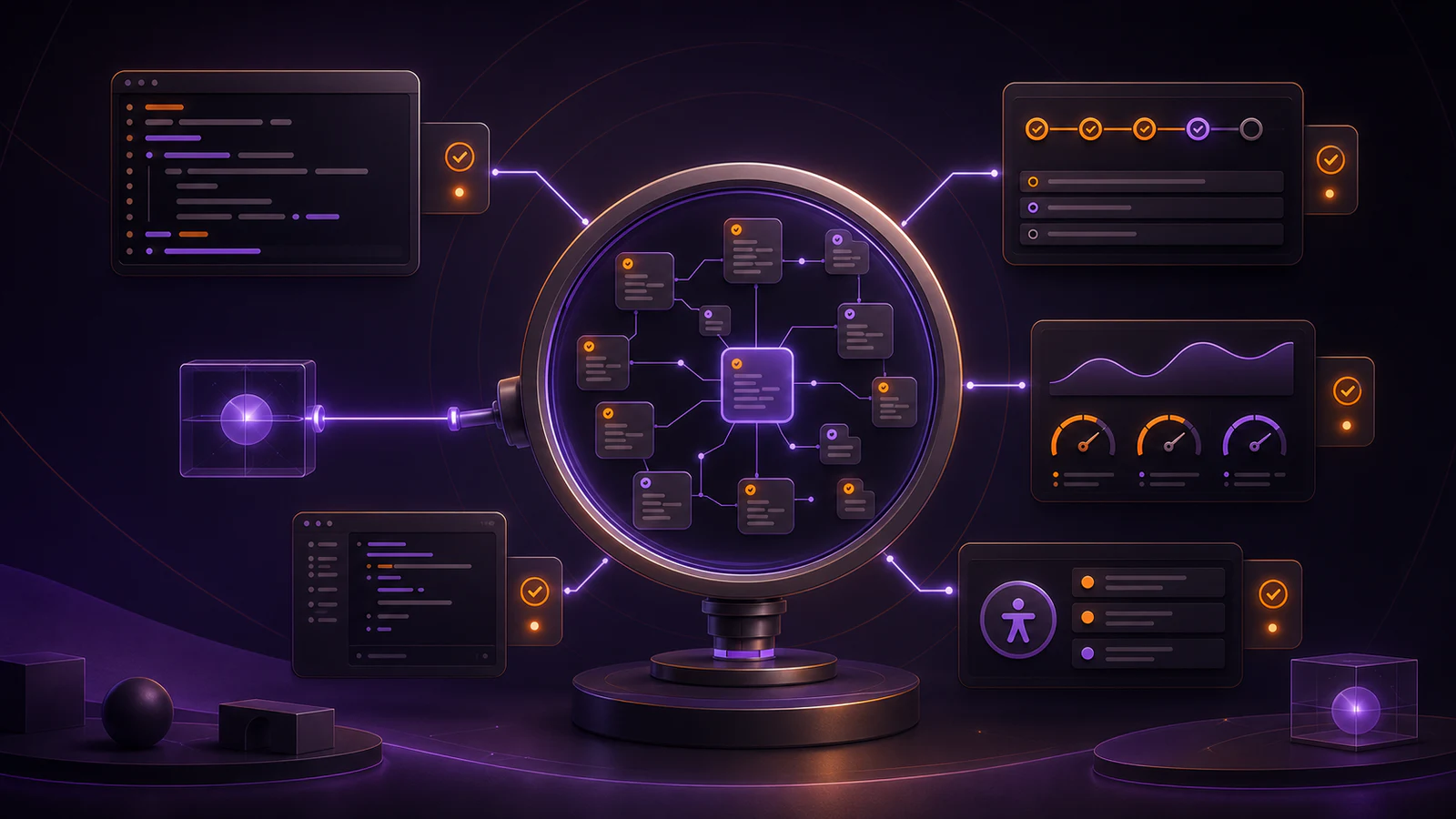
The better approach is to make accessibility checks part of the E2E suite — automated, repeatable, and fast enough that nobody has to decide whether to run them.
Why Playwright is a practical fit for this
Playwright already owns the critical user flows: login, navigation, form submission, key interactions. Those are exactly the surfaces where accessibility problems do the most harm. Keyboard traps, missing focus management, unlabeled form controls, and broken ARIA announcements do not show up in unit tests. They show up when a person — or an automated tool acting like one — tries to complete a task.
Adding accessibility assertions to an existing Playwright suite means you get coverage without a separate toolchain, without a separate CI step, and without asking anyone to context-switch.
The baseline: axe-core with @axe-core/playwright
The most reliable starting point is pairing Playwright with @axe-core/playwright. axe-core is the engine behind most major accessibility testing tools. The Playwright integration makes it straightforward to inject and run a full audit against any page or component state.
import AxeBuilder from '@axe-core/playwright'
import { expect, test } from '@playwright/test'

test('home page has no critical accessibility violations', async ({ page }) => {
  await page.goto('/')

  const results = await new AxeBuilder({ page })
    .withTags(['wcag2a', 'wcag2aa'])
    .analyze()

  expect(results.violations).toEqual([])
})
That single test covers a large surface quickly. The wcag2a and wcag2aa tags map directly to the WCAG levels most teams target. Missing alt text, unlabeled form controls, landmark issues, and a range of structural problems show up immediately before the change gets anywhere near production.
Do not audit everything at once
The temptation is to run a full axe audit in every test as a catch-all. That creates noise.
Pages in transitional states, modals partially initialized, or content under a loading skeleton will produce violations that are not real. Auditing too broadly also makes failures harder to triage because the violation report mixes legitimate issues with transient ones.
I prefer a targeted approach:
- Audit each major page in a stable, loaded state
- Audit interactive components after their key states are reachable (open modal, focused input, error message visible)
- Audit forms before and after validation fires
- Skip states that are explicitly transitional
That keeps the failure signal clean and the suite fast.
Focus management deserves its own assertions
axe-core catches many things automatically but focus management often needs explicit assertions. Automated tools do not easily detect that a modal opened and focus did not move into it, or that a navigation action left focus stranded on a removed element.
These are worth testing directly:
test('modal keeps focus inside the dialog', async ({ page }) => {
  await page.goto('/dashboard')
  await page.getByRole('button', { name: 'Open settings' }).click()

  const dialog = page.getByRole('dialog', { name: 'Settings' })
  const closeButton = page.getByRole('button', { name: 'Close settings' })

  await expect(dialog).toBeVisible()
  await expect(closeButton).toBeFocused()

  await page.keyboard.press('Tab')

  const focusedInsideDialog = await page.evaluate(() =>
    document.activeElement?.closest('[role="dialog"]') !== null
  )

  expect(focusedInsideDialog).toBe(true)
})
Focus traps, restore-on-close, and skip links are three areas where manual assertions catch what automated scanning misses.
Keyboard navigation on critical flows
Keyboard-only navigation should be verified on every path a user depends on. Not every path — just the critical ones.
For most applications that means:
- Logging in
- Navigating between primary sections
- Submitting the main conversion action (purchase, publish, send)
- Dismissing errors and dialogs
A test that completes a flow without ever using a mouse is a meaningful accessibility signal. If it fails, something in that flow is genuinely broken for keyboard users.
Where to run these checks in CI
Accessibility checks in Playwright fit naturally into the same CI job as the rest of the E2E suite. They do not need a separate pipeline or a separate gate.
The one thing worth setting explicitly is which checks should block a merge. I keep two tiers:
- Block on merge: violations on stable, production-ready flows
- Warn only: newly added coverage areas or best-practice rules the team is still remediating
That way a missing alt attribute in a core journey fails the build, but a newly added rule can still surface useful feedback without blocking the team on day one.
The practical setup I keep
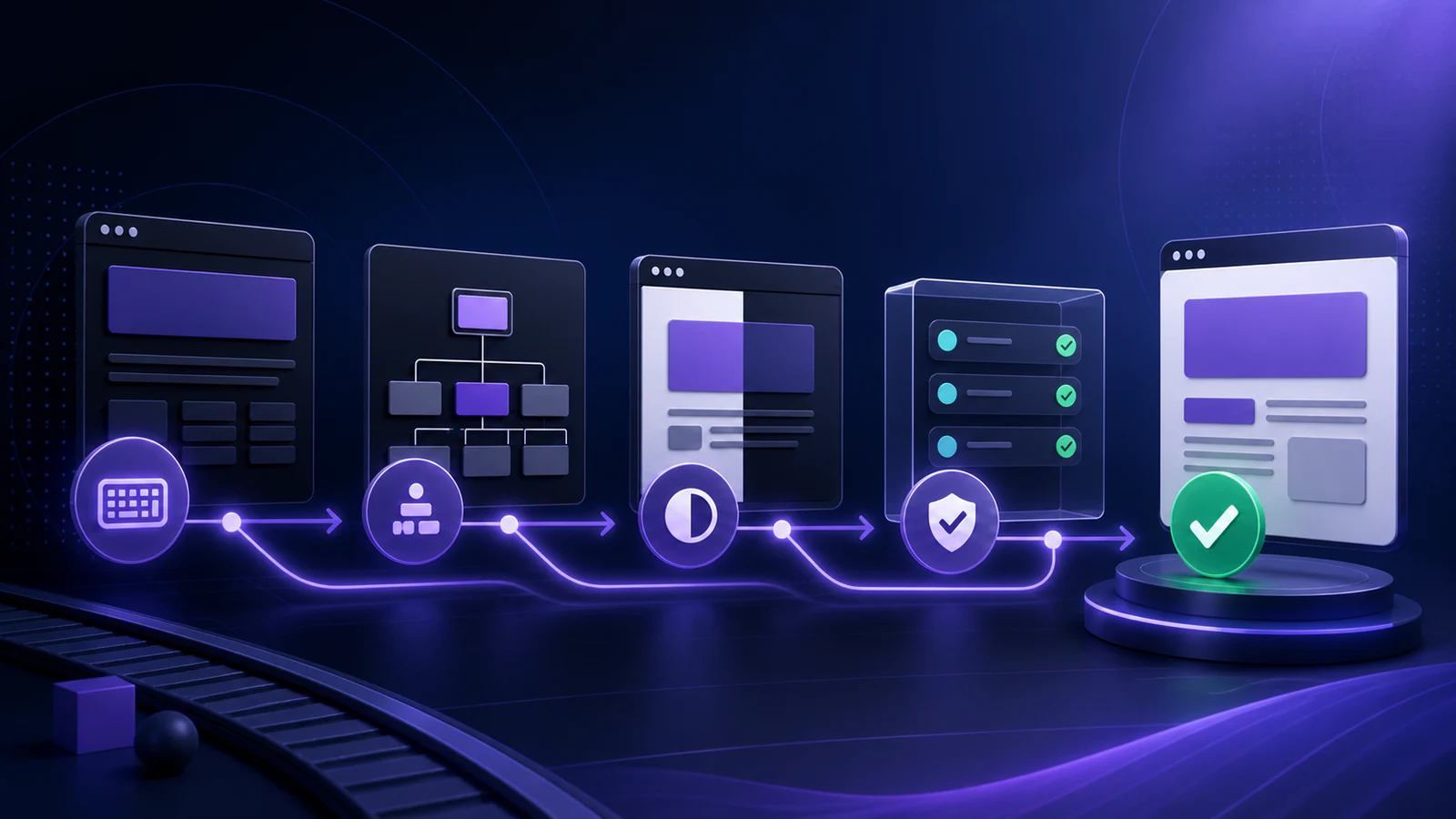
If a team is adding accessibility testing for the first time, the steps I would take:
- Install
@axe-core/playwrightand run an audit on the three most important pages - Fix the violations that come back before adding more coverage
- Add keyboard navigation tests to the two or three flows with the highest user impact
- Add focus management assertions to every modal and drawer in the app
- Set the CI rule tier so critical violations block and improvements warn
Accessibility automation does not replace manual testing or screen reader verification. But it does make the baseline automatic — which means the team spends its manual testing time on the things machines genuinely cannot check.
For the broader testing approach this fits into, Testing React Components with Vitest and React Testing Library is a good companion on the unit side.
Building a Production Next.js App
A practical sequence for turning a fresh Next.js codebase into a product teams can lint, test, document, deploy, and secure with confidence.
- 1Part 1Atomic Module Component Structure for React
- 2Part 2Building the Best Next.js TypeScript Standard Vitest ESLint Configuration
- 3Part 3Development Workflow with Husky for Next.js, ESLint, and Vitest Integration
- 4Part 4Storybook in Action with Next.js, Tailwind and TypeScript
- 5Part 5Testing React Components with Vitest and React Testing Library
- 6Part 6Continuous Integration and Deployment for Next.js Projects
- 7Part 7Authentication and Authorization in Next.js Applications with Supabase
- 8Part 8Playwright Accessibility Checks That Teams Keep Running
Comments
Powered by GitHub Discussions — sign in with GitHub to join the conversation, orreply on GitHub.